Your MPC,
in your terminal.
Make beats at keyboard speed. No DAW. No menus. No mouse.
Browse, chop, loop, and mix—without ever touching a mouse using the simple 10‑10‑10 workflow: 10 pads, 10 loops, 10 scenes.
Or install via terminal:
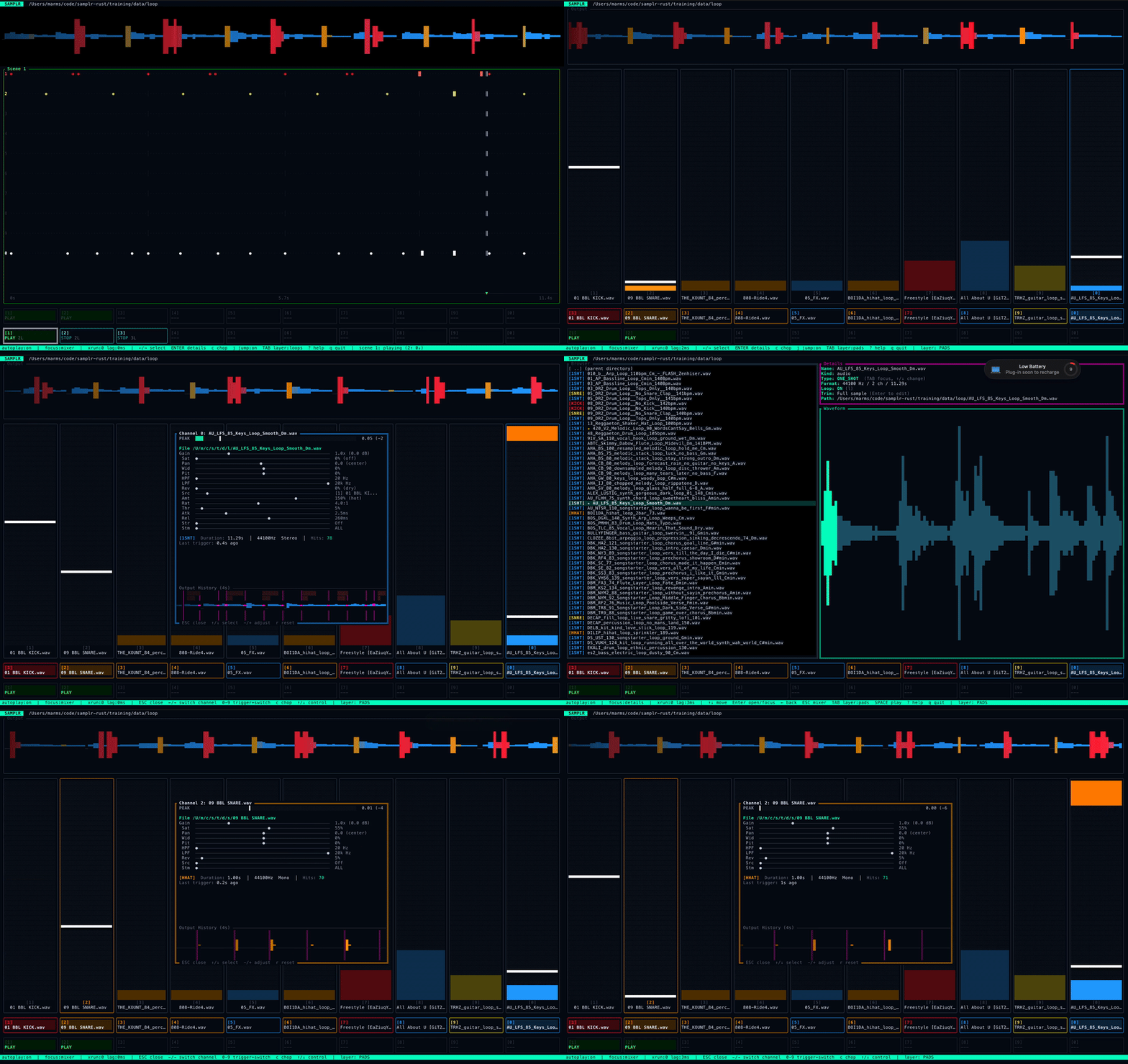
Start with sounds worth flipping.
Original soul loops, dusty drums, live breaks, strange textures, and lofi keys—shared by artists and sound makers in the Meiji community.
Ten soul loops with vintage flavor—made for dusty chops, hip-hop, trap, and gospel-inspired beats.
Warm, dusty drums handcrafted for texture, emotion, and the kind of groove that keeps you moving.
Ten original drum breaks played by Matt Gallant, with the warm, punchy feel of classic Detroit soul.
Sixteen original compositions built from live instruments, analog synths, and found objects—raw and ready to reshape.
Also featuring sounds from Dead Robot, Dustyroom, and Holizna—with more community packs to come.
The future of beat making is old school.
Meiji Sampler is designed to feel like an instrument, not an interface. The terminal is not a limitation—it’s how you get into flow.
The main moves are keypresses. Your hands learn them. The screen gets quiet.
Flip a community sample pack, catch something from internet radio, or dig through your own library. Three ways in. One beat out.
Turn flat samples into drums that crunch, bass that carries weight, and chops that cut through the mix.
Separate drums, bass, vocals, and other parts. Find the piece you want and turn it into something new.
The dream setup, made real
Classic sampler character, live looping, modern time-stretch, full MIDI control, and the speed to stay with the idea.
Hardware Soul
10-pad instrument
Trigger ten sounds from your computer’s number keys. Assign fast, play polyphonically, and build muscle memory from the first session.
10-slot looper
Build ten loops without stopping the beat. Arm → Record → Play, then overdub, undo, and keep moving.
SP1200 color
Choose raw crunch, dark fixed filtering, or a brighter model that keeps more air in the sound.
S950-style filters
Sharp, musical cuts for drums, bass, and dusty chops.
ASR-10 Boost
Push a sound forward with three levels of density, limiting, and analog-style weight.
Chokes and linked pads
Layer sounds. Cut hats. Keep the groove tight.
Software Power
Stem separation
Separate drums, bass, vocals, and other parts, then build with the piece you want.
MIDI mapping
Map pads, loops, scenes, transport, chop slices, PerformFX, and mix moves.
Tempo without the pitch shift
Tap it in, nudge it, or set it exactly. Change the pace without repitching the song.
Real projects
Save, open, set audio, manage addons, and get back to the beat.
Stretch without losing the sound
Signalsmith Stretch keeps more tone and character intact when a loop has to fit a new tempo.
PerformFX
Punch in beat repeats, filter sweeps, tape stops, reverb throws, pitch effects, and more while the beat plays.
Watch a beat come together.
The best way to get it is to watch the flow. Sample. Loop. Mix. Arrange. Perform. No timeline detour.
This is not about racing. It is about staying with the idea. Once your hands know the moves, the app gets out of the way.
One view. One job.
No maze of panels. Each screen does one thing and keeps you moving.
Browse
Search, preview, and grab the sound before the idea gets cold.
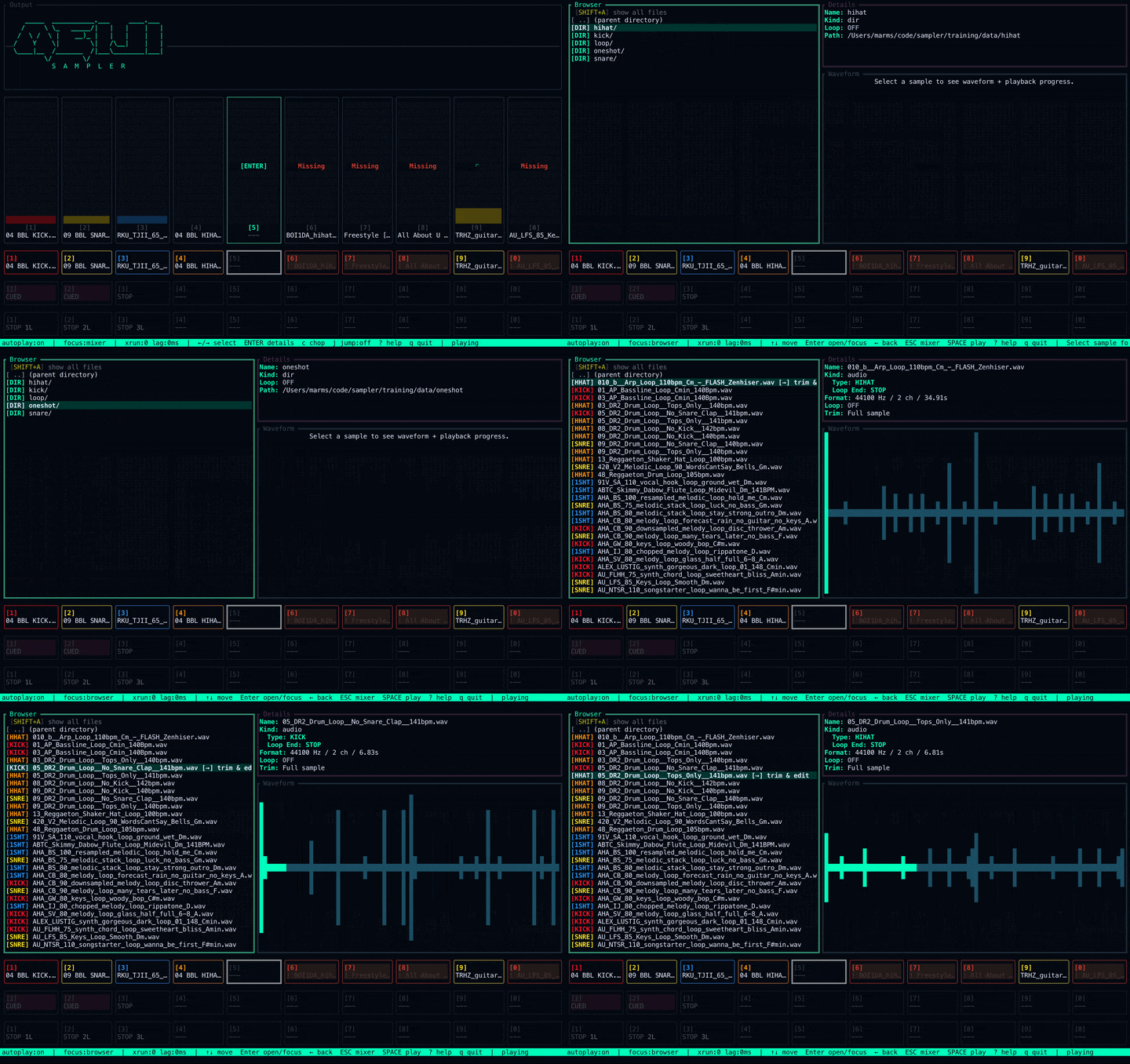
Chop
Find the hits, slice them up, and turn one sample into a playable kit.
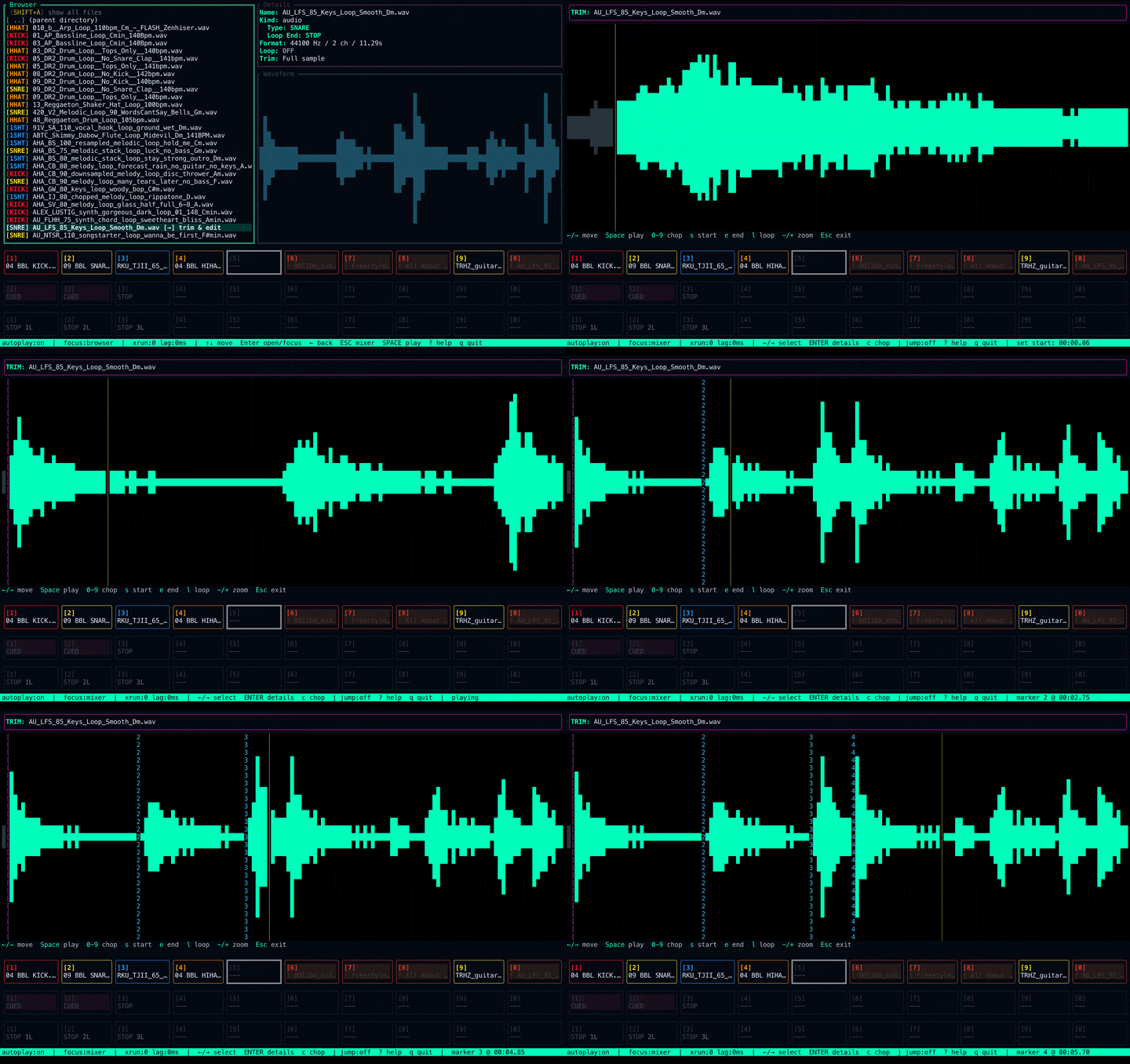
Loop
Catch the groove in real time, layer it, and keep the beat moving.
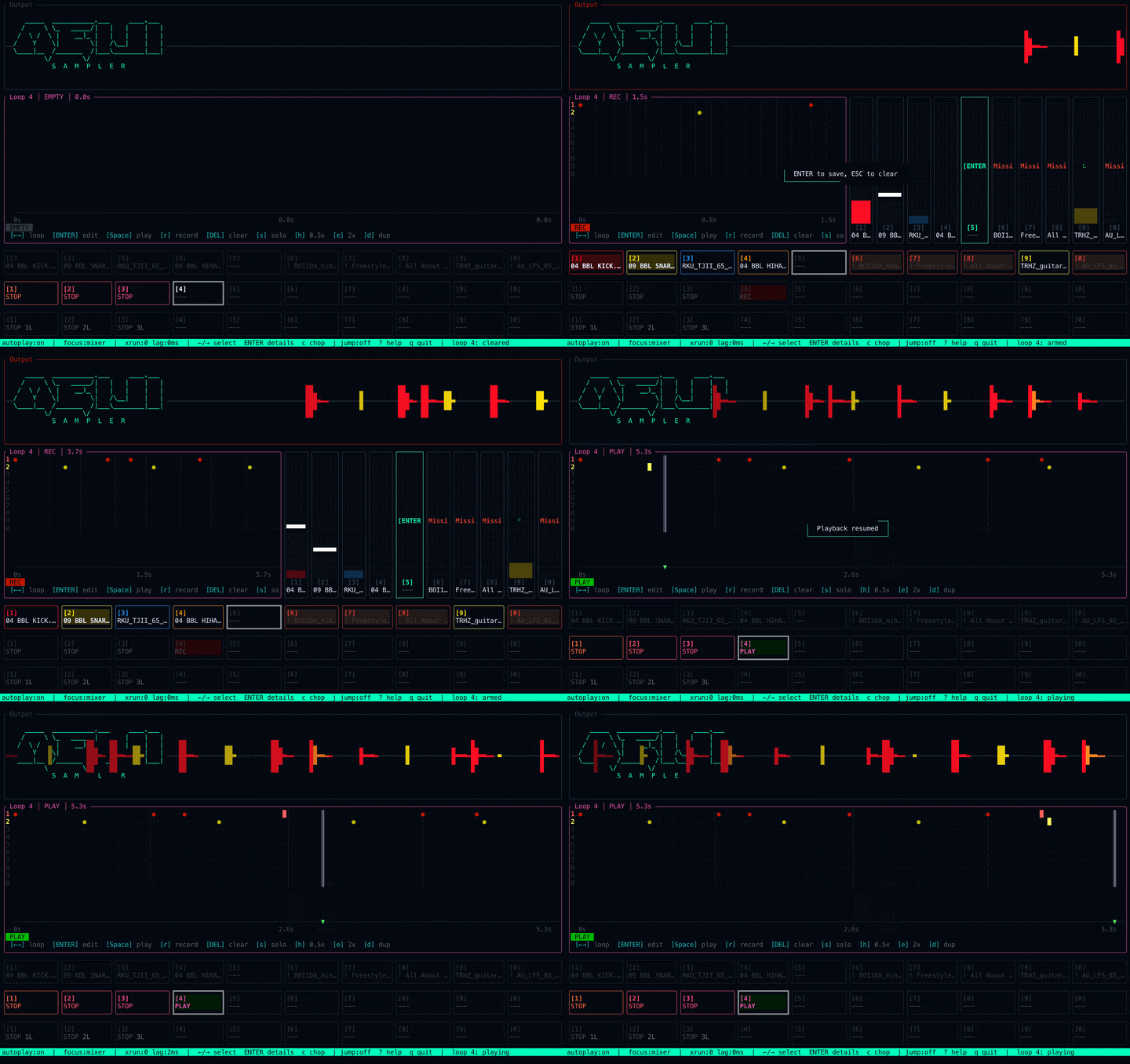
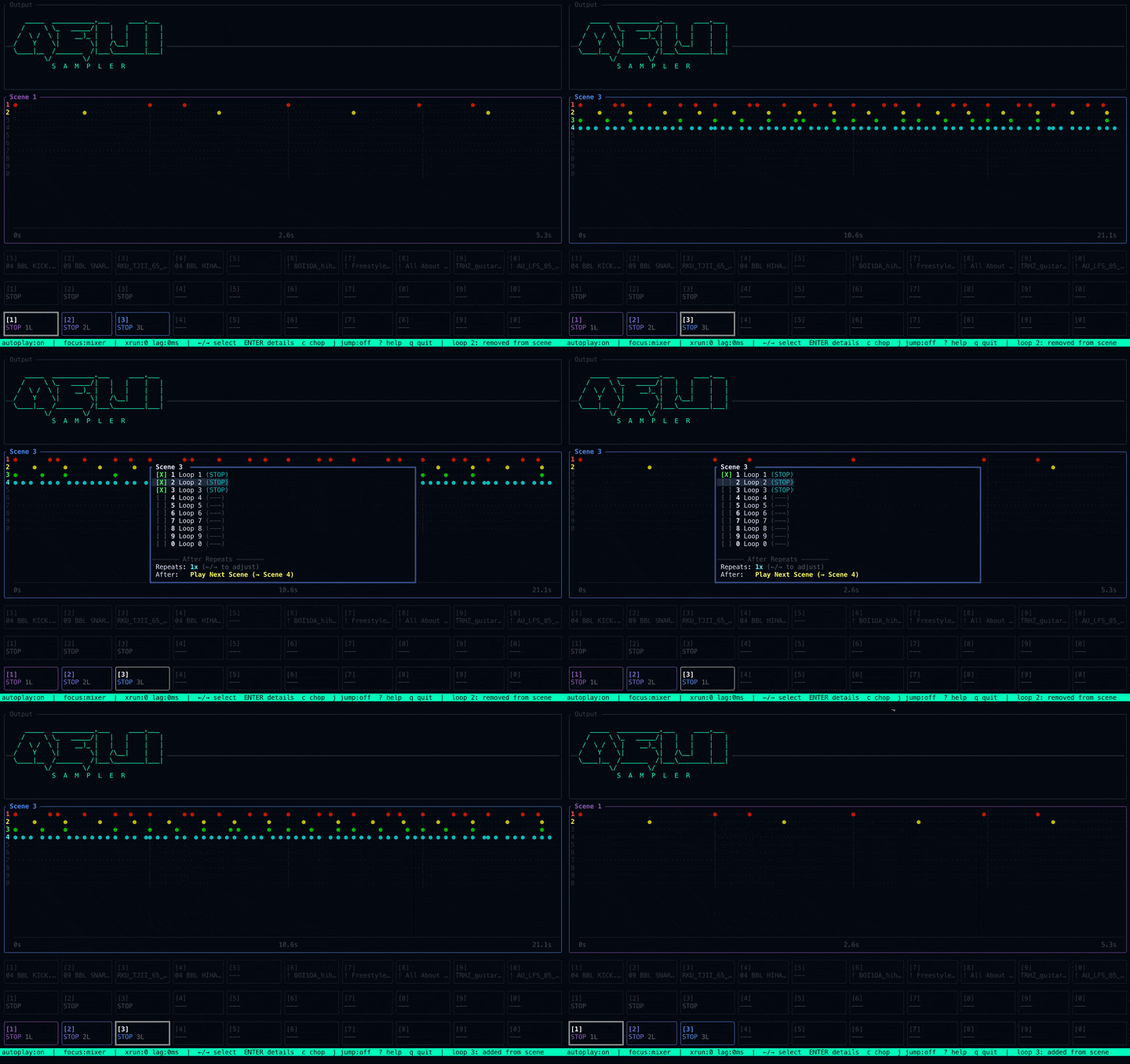
Scenes
Turn loops into song sections and cue every change on the beat.
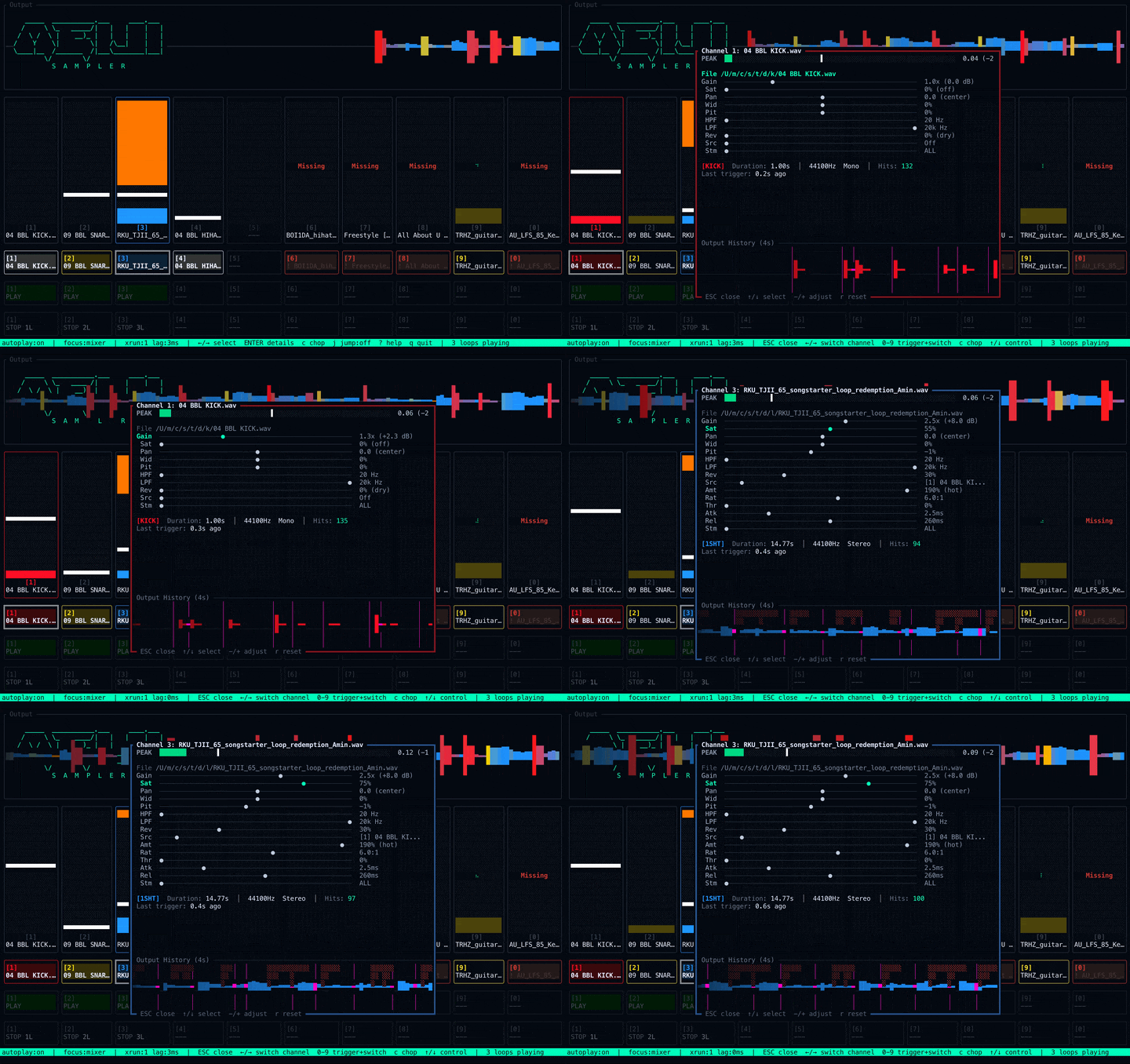
Mix
Shape tone, width, space, filters, and dirt while everything is still playing.
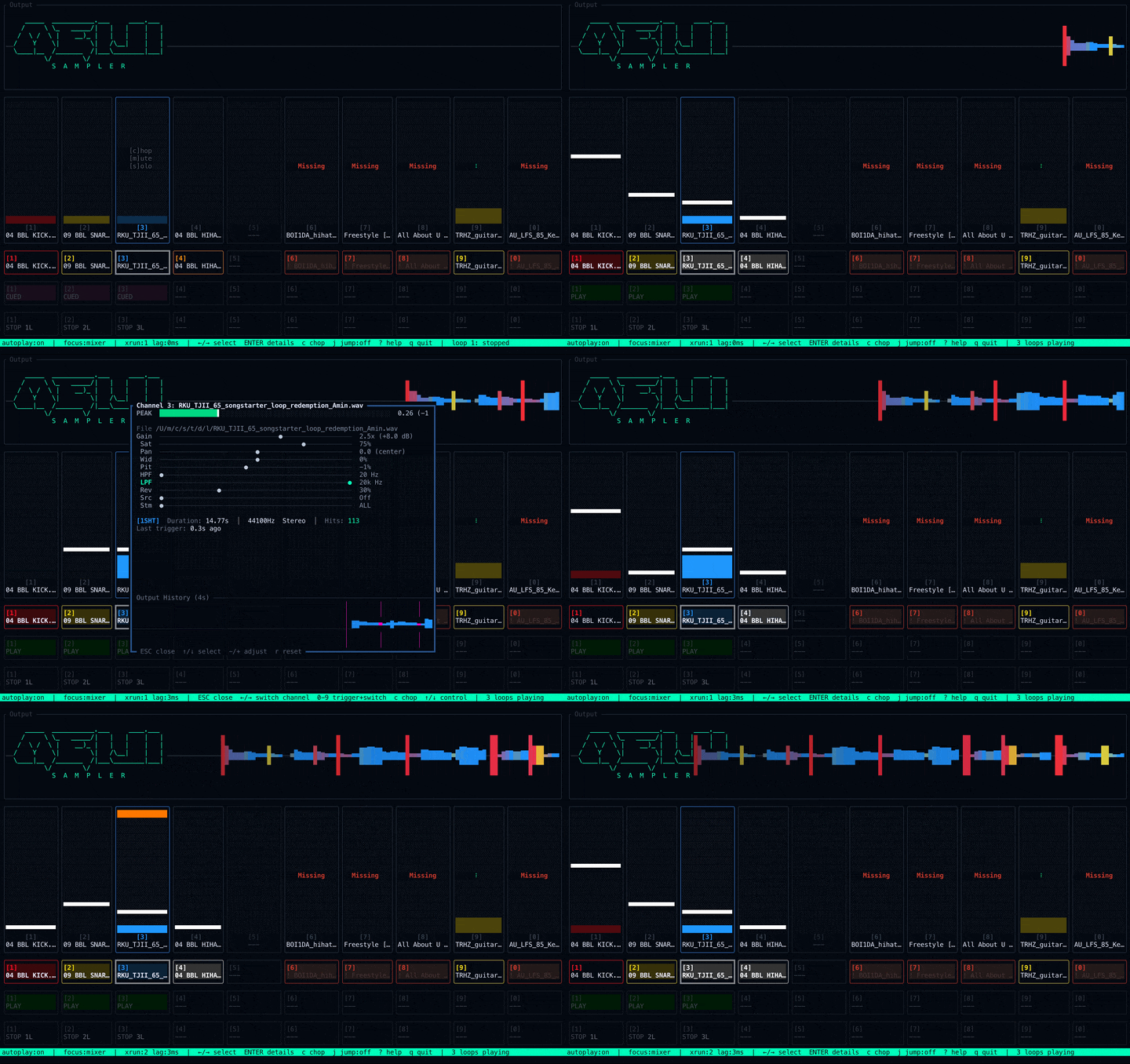
Sidechain
Make room when the kick needs to breathe.
Three ways into the beat.
Start with a pack, catch a moment from live radio, or dig through your own crates.
Grab curated drums, breaks, loops, and playable sounds without starting from zero. Put one on a pad and make it yours.
Tune into internet radio inside Meiji Sampler. When a moment hits, capture it straight into Trim—ready to slice, chop, and rebuild.
Point Meiji Sampler at any folder. Search, preview, assign, trim, and chop your collection into something new.
FAQ
Short answers before you try it.
What is Meiji Sampler?
A terminal-native sampler and groovebox built to move like an instrument. Sample, loop, mix, arrange, and perform without getting pulled into a timeline.
Who is it for?
Beat makers who want feel first. If you like samples, fast choices, hardware-style flow, and staying in the groove, you will get it.
Is it free?
Yes. Meiji Sampler is free during early access and will always be free to use. Paid extras may come later, but the core instrument stays free.
Why a terminal UI?
Hands: the main moves live on your computer keys.
Focus: fewer panels, fewer clicks, less drift.
Feel: the flow is simple: Arm → Record → Play.
Is it hard to learn?
A little at first. It has opinions. Start with one sound, one loop, and one scene. The rest opens up fast.
What platforms does it run on?
macOS, Windows, and Linux. macOS is the most polished right now.
How do I install it?
Use the download button, or run the terminal command on this page. The download flow gives you the right build for your machine.
What audio formats are supported?
WAV, AIFF, and AIFF‑C.
Does it work with my sample library?
Yes. Point it at any folder, search across it, preview sounds instantly, and turn your own collection into a playable instrument.
Does it need the internet?
The sampler runs on your machine. Updates and login need internet. Making music does not.
Does it upload my audio?
No. Your audio stays on your machine.
Can I chop samples?
Yes. Trim, detect transients, slice a sample, and put the pieces on pads.
Some shortcuts do not work on my keyboard. What should I do?
Use a terminal with the kitty keyboard protocol, like the built-in macOS app, iTerm2, Kitty, Alacritty, WezTerm, or Ghostty. That helps non-US layouts work right.
Can I record audio directly?
Yes. Record from your audio input straight into pads.
Can I export my beats?
Yes. Bounce loops and scenes to WAV. You can also export a video render.
What are Scenes?
Scenes are beat sections. Use them to move between loop states on musical boundaries.
Does it have effects?
Yes. Reverb, pitch, width, ducking, SP1200 color, ASR-10 Boost, S950-style filters, and more.
Can I use it live?
Yes. Pads, scenes, loops, and mixer moves all work in real time.
Is it a VST or AU plugin?
No. Meiji Sampler is a standalone app.
Can I use it with Ableton, Logic, or FL Studio?
Yes, with a loopback driver like BlackHole or Soundflower. Meiji Sampler itself stays standalone.
Does it have MIDI support?
Yes. Map pads, loops, scenes, transport, chop slices, PerformFX, and mix moves.
Is there Splice support?
Yes. You can sync your Splice library for easy browsing. A deeper flow is coming.
Does it use AI?
Yes, but only as a helper. Stem separation and classification can speed up the dig. We do not train AI on your work.
Why do I need to log in?
Your account helps with downloads, updates, and future community features.
Is it open source?
No. Meiji Sampler is closed source.
How do I get help?
Email us. Details are in the footer.