Your MPC,
in your terminal.
Make beats at keyboard speed. No DAW. No menus. No mouse.
Browse, chop, loop, and mix—without ever touching a mouse using the simple 10‑10‑10 workflow: 10 pads, 10 loops, 10 scenes.
Or install via terminal:
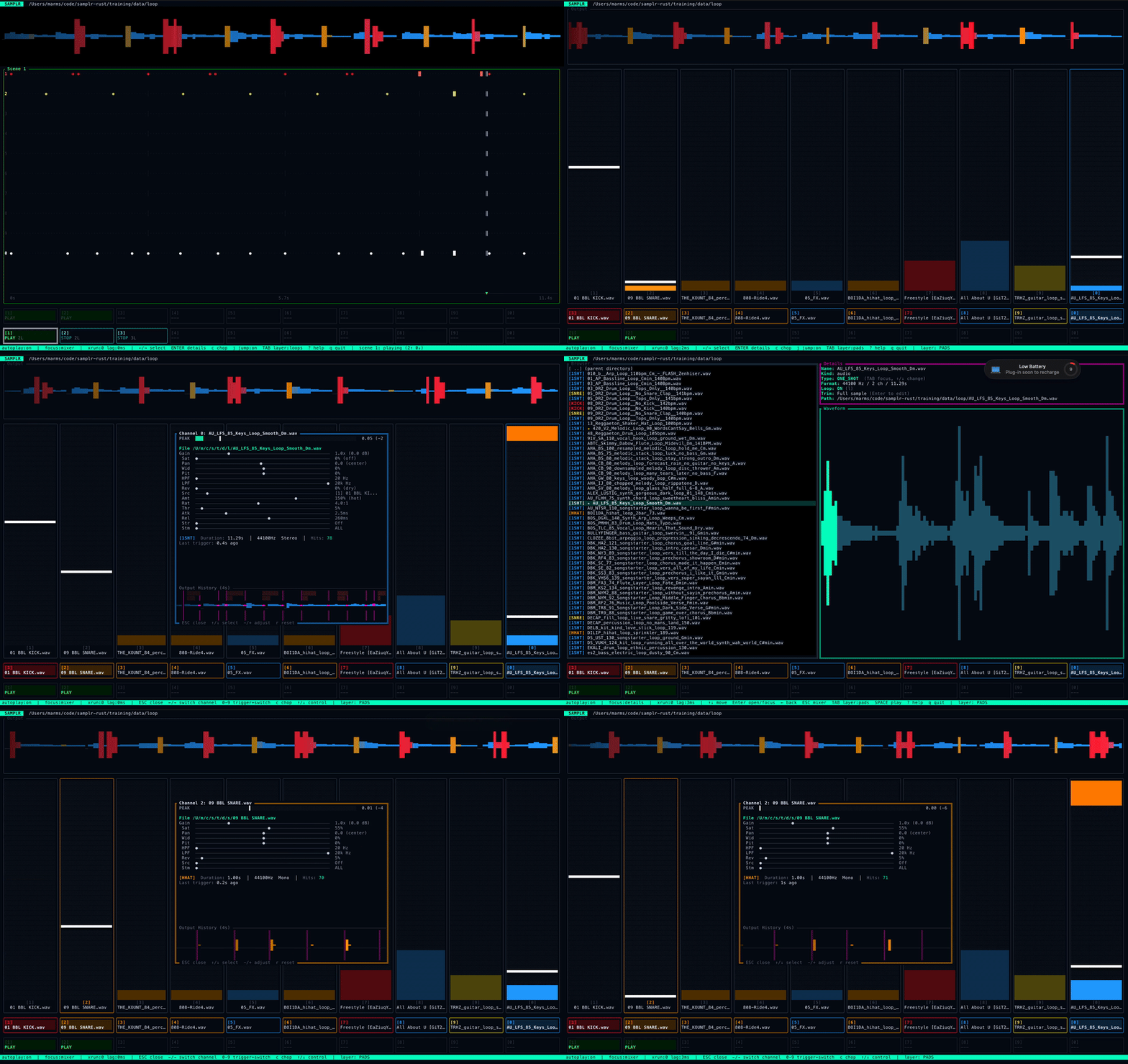
Feels like hardware. Moves like software.
Meiji Sampler is designed to feel like an instrument, not an interface. The terminal is not a limitation—it's how you get into flow.
Everything is a keypress. No menus, no mouse—just pads, loops, and muscle memory.
Browse any folder. Work offline. All edits are stored as metadata—your source files stay untouched.
6‑pole S950 filters, Schroeder reverb, and tape-style saturation—built in, real-time.
Stem separation and embedded ML classification—useful, fast, and musician-friendly.
The dream setup, made real
No hype. Just the details that make it feel right: timing, filters, and a workflow that mirrors classic samplers.
Hardware Soul
10-pad drum machine
Keys 1‑9 and 0. True polyphony. Assign with Shift+number.
10-slot looper
Hardware-style state machine: Arm → Record → Play, with overdub and undo.
MPC3000 quantization
Roger Linn algorithm, PPQ 96, swing 50–75%, per-track overrides for layered groove.
S950-style 6‑pole filters
Steep 36 dB/oct HPF/LPF rolloff for that classic sampler shape—clean and aggressive.
Sidechain ducking
Classic pumping effect. Dial it subtle for glue or saucey for that French house throb.
Real tape saturation
State-of-the-art tape sat with hysteresis simulating magnetic memory.
Software Power
Stem separation
The same model used by pros to isolate vocals, drums, bass, and other instruments.
Lazy chopping
IYKYK, trim and chop instantly like your beatmaker idols.
Live quantized transitions
Quantized scene changes snap to loop boundaries with a clear countdown cue.
Fuzzy search + stars
Find anything fast. Quick-jump stars, flat mode for deep libraries, autoplay preview.
Instant stretching
Timestretch anything to fit your loops without the fuss.
Dope factory sounds
Get going right away with built-in sounds that are actually usable.
Find your flow state
The fastest way to understand it is to watch it: browse, preview, assign pads, record a loop, overdub, and mix—no timeline, no mouse.
Sketch out a full song in 2 minutes. Don't believe us? Meiji himself goes from blank project to arranged song in 120 seconds flat. Sample selection, light mixing, sample chopping, loop recording, easy undo / takes, quick scene arrangement, and live performance mode.
See it in action
Animated GIFs highlighting the best features—browse, chop, loop, scenes, and mix.
Browse
Fuzzy search through your library with instant preview. Find any sample in seconds.
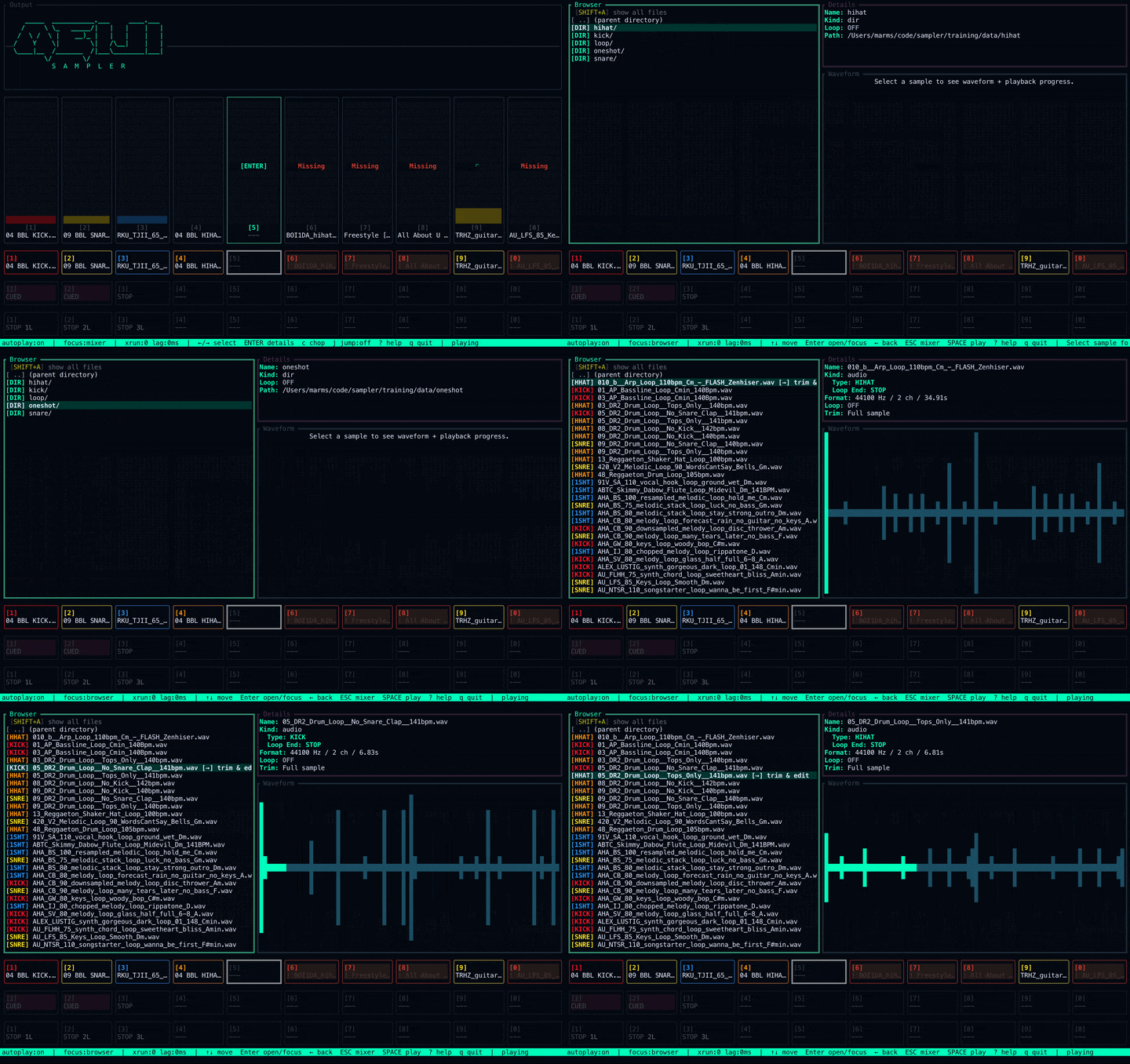
Chop
Non-destructive trimming and slicing. Your original files stay untouched.
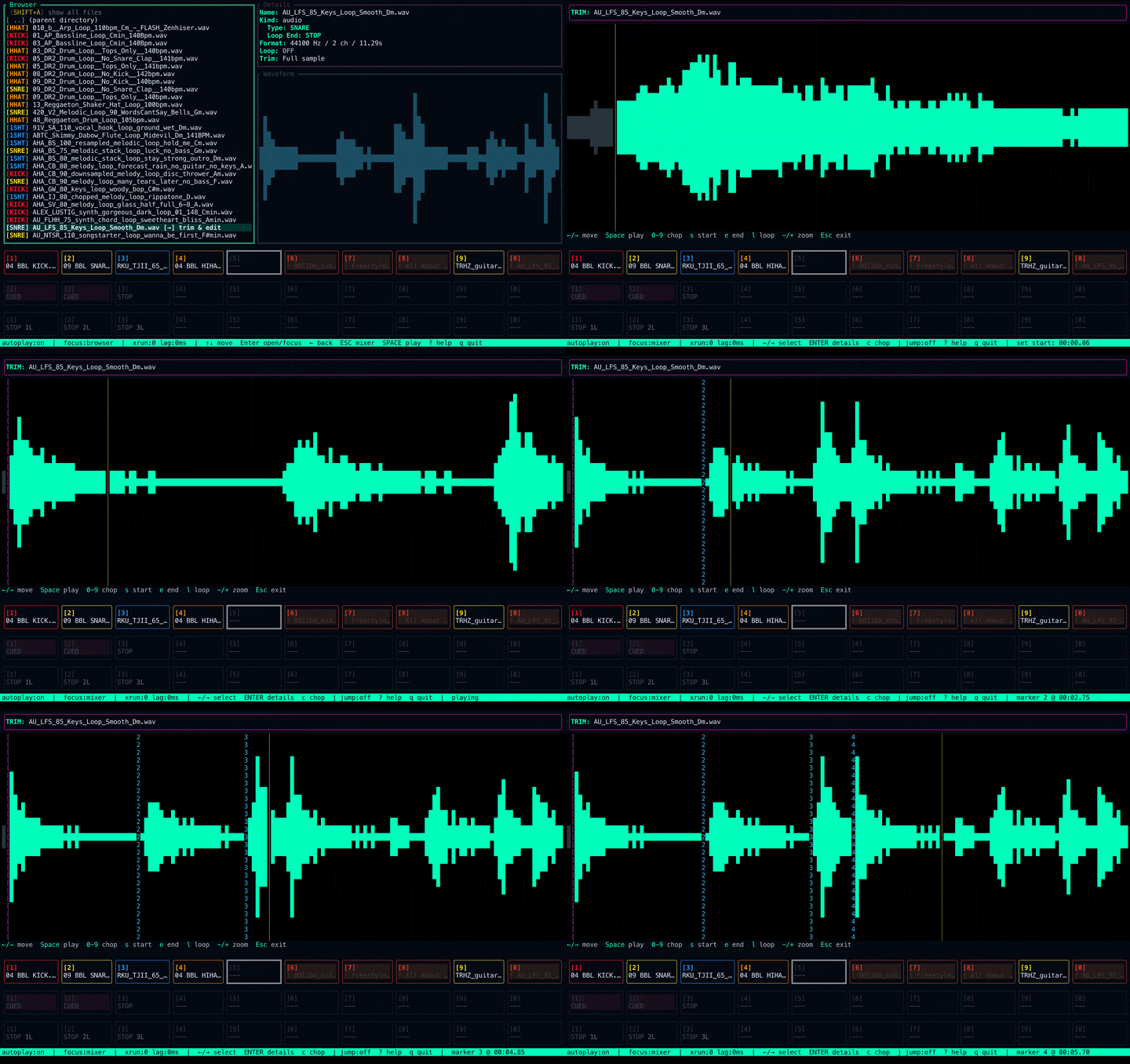
Loop
Record loops in real-time with overdub. Hardware-style workflow.
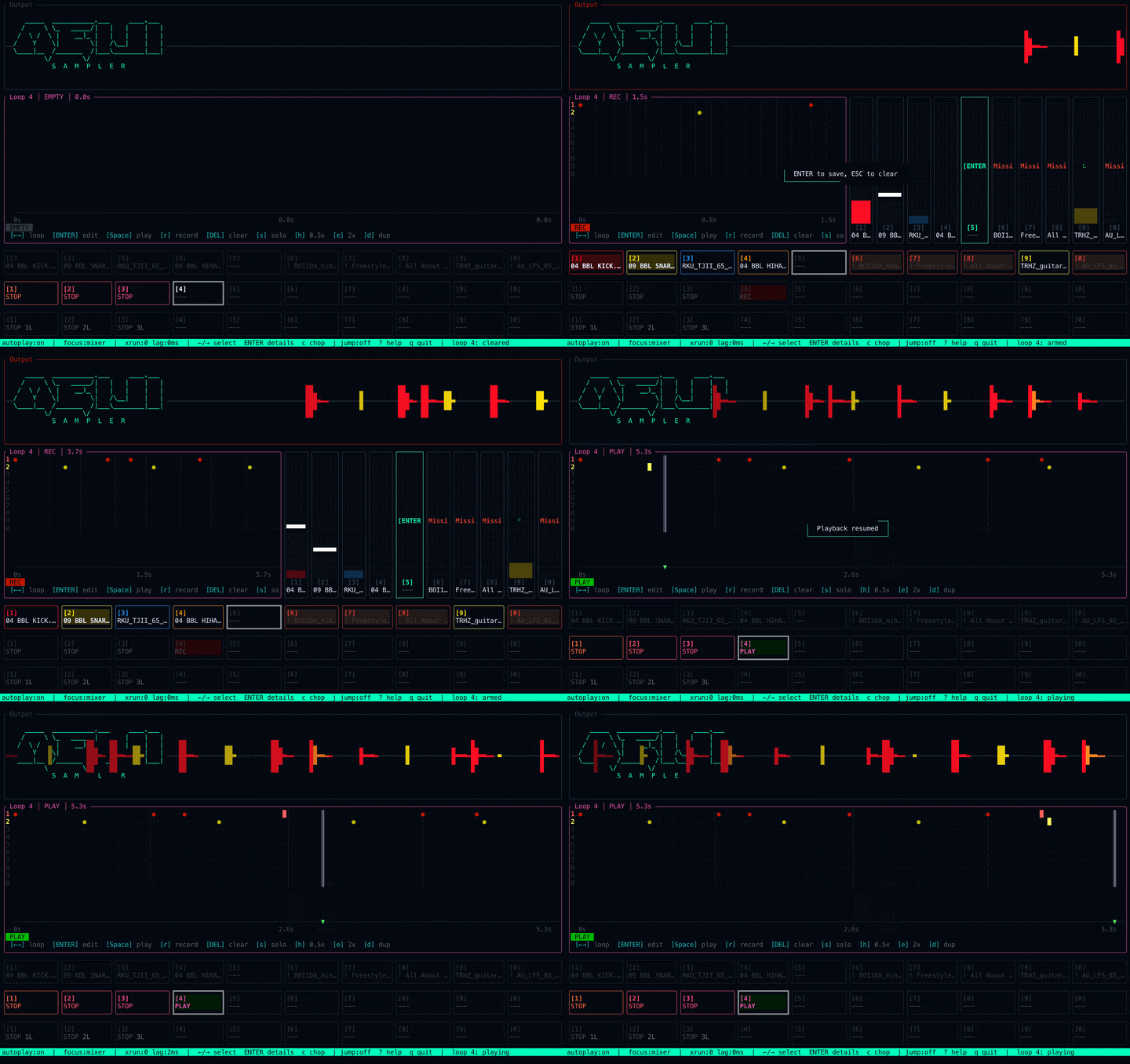
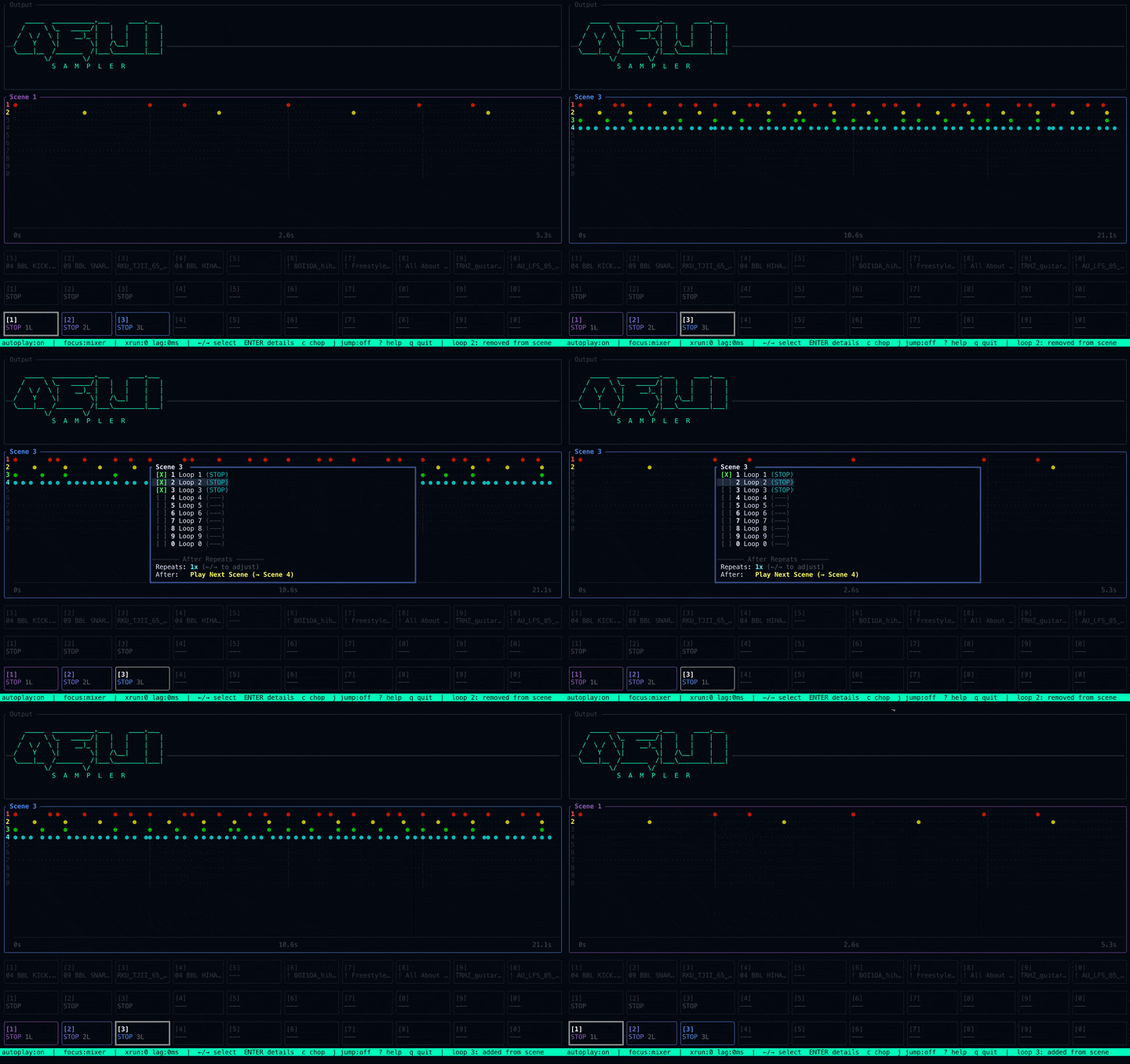
Scenes
Quantized scene transitions with countdown cues for live arrangement.
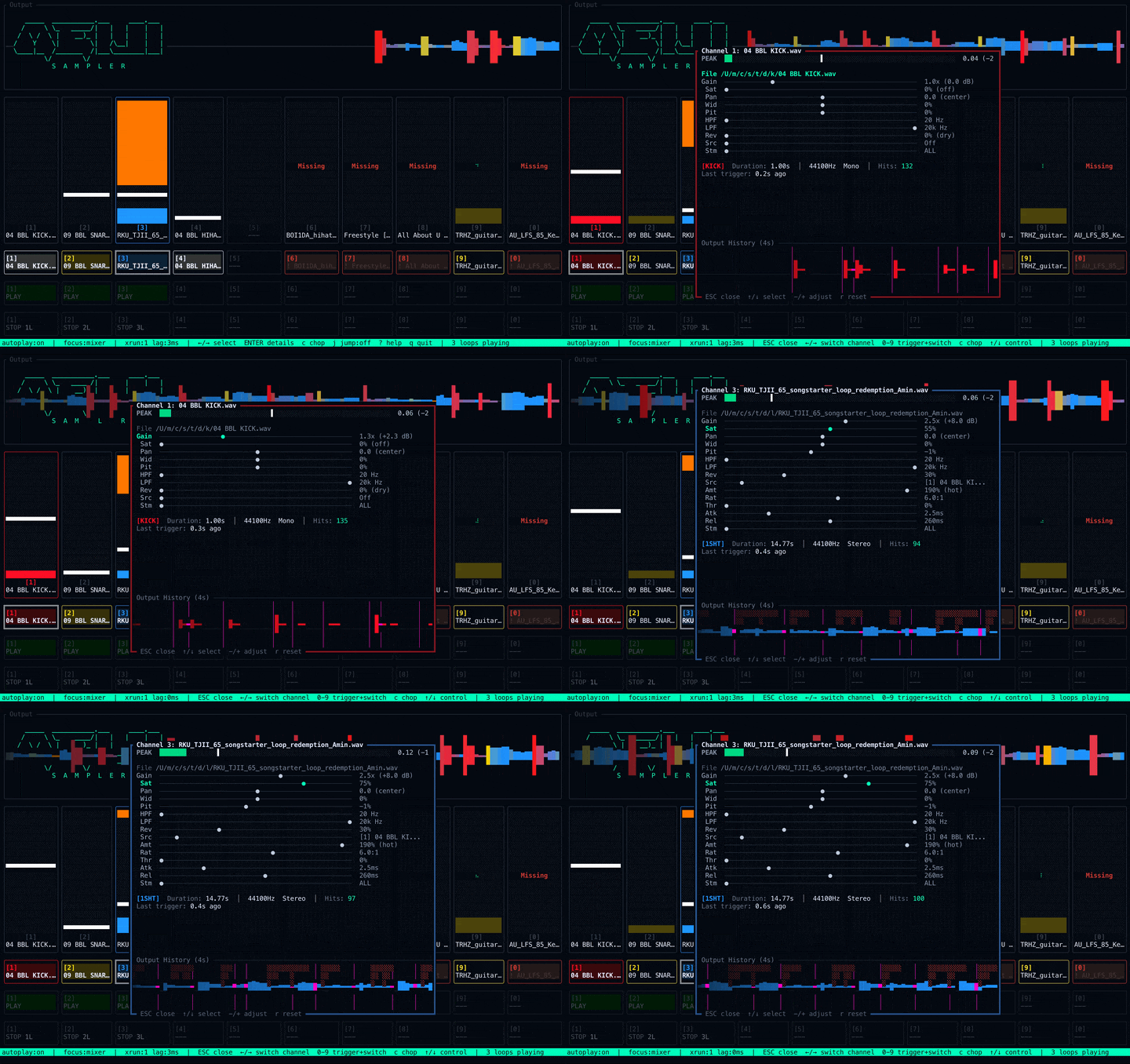
Mix
S950 filters, reverb, saturation, and real-time metering.
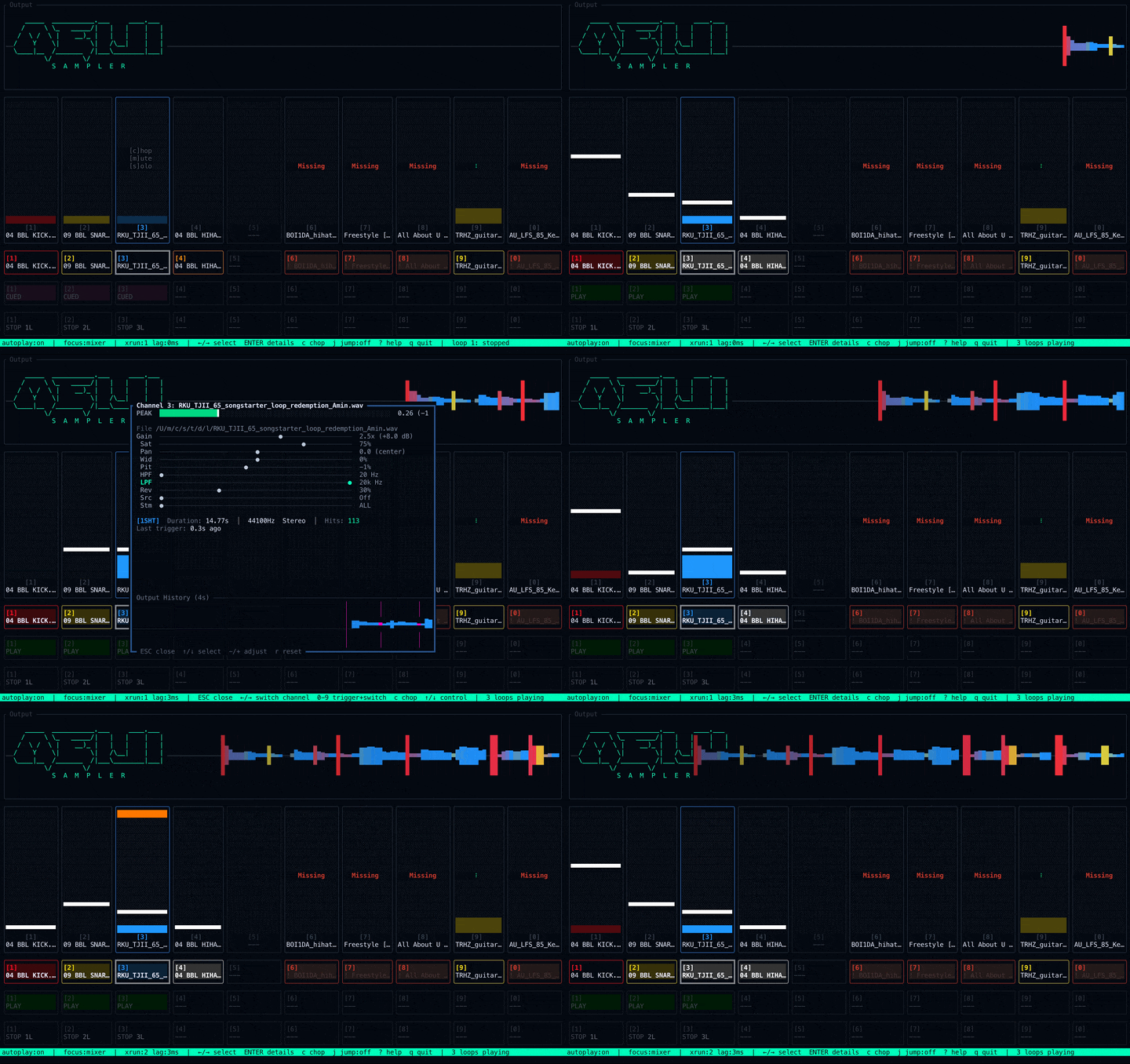
Sidechain
Classic pumping effect for that French house throb.
FAQ
Everything you want to know about Meiji Sampler.
What is Meiji Sampler?
A terminal-based music sampler and groovebox for making beats entirely with keyboard shortcuts. Browse samples, chop them across pads, record loops, arrange scenes, and mix—all without touching a mouse.
Who is it for?
Beatmakers and producers who want a fast, distraction-free sampling workflow. If you've ever wished your MPC or SP-404 lived inside your terminal, this is for you.
Is it free?
Yes. Meiji Sampler is free during early access and will always be free to use. Advanced features, customizations, and services will be available to Pro users later—but the free version will always be dope and more than enough to make incredible music.
Why a terminal UI?
Speed: keyboard shortcuts and fuzzy search get you to sound fast.
Focus: no menus, no toolbars, no visual noise—just pads and audio.
Feel: the workflow mirrors hardware (Arm → Record → Overdub), so it plays like an instrument.
Is it hard to learn?
There's a short learning curve since it's terminal-based, but built-in help and an onboarding guide walk you through everything. Most people are making beats within minutes.
What platforms does it run on?
macOS, Windows, and Linux.
How do I install it?
On macOS, download the DMG from this page. If you're comfortable in the terminal, you can also install with a single curl command. Details are in the download modal above.
What audio formats are supported?
WAV, AIFF, and AIFF‑C.
Does it work with my sample library?
Yes. Point it at any folder and use flat mode + fuzzy search to dig deep across directories. We also provide inspiring factory packs to get you started.
Does it require an internet connection?
The core sampler runs entirely on your machine. Some features like updates and login need internet, but your samples stay local and you can make music offline.
Does it send my audio anywhere?
No. All audio stays on your machine—nothing is uploaded.
Can I chop and slice samples?
Yes. There's a dedicated chop mode for slicing samples across pads.
Some keyboard shortcuts don't work on my non-US keyboard?
Meiji Sampler works best in terminals that support the kitty keyboard protocol—including the built-in macOS app, iTerm2, Kitty, Alacritty, WezTerm, and Ghostty. These terminals report physical key positions, so shortcuts like SHIFT+number work on any keyboard layout (QWERTZ, AZERTY, etc.). If a shortcut misbehaves, try switching to one of these terminals.
Can I record audio directly?
Yes. Record from your audio input straight into pads.
Can I export my beats?
Yes. Bounce your loops and scenes to WAV.
What are Scenes?
Arrangements of loops that can be chained together to create full songs.
Does it have built-in effects?
Yes—reverb, high-pass and low-pass filters, saturation, pitch shifting, sidechain ducking, and more.
Can I use it for live performance?
Yes. Real-time pad triggering, scene launching, and mixer control make it ready for the stage.
Does it work as a VST/AU plugin?
No. Meiji Sampler is a standalone terminal application—plugin support is not possible at the moment.
Can I use it alongside Ableton / Logic / FL Studio?
Meiji Sampler is a standalone workflow, but you can route its audio into your DAW via a loopback driver like BlackHole or Soundflower.
Does it have MIDI support?
Not yet—but MIDI controller support is coming very soon.
Is there Splice integration?
Yes. You can sync your Splice library for easy browsing right inside Meiji Sampler. A deeper integration is on the way.
Does it use AI?
Yes—automatic stem detection and classification help you find the right sounds fast, with other creative tools planned. We do not train AI on your work.
Why do I need to log in?
We're building collaborative community features—stay tuned. In the meantime, your account helps us improve the experience.
Is it open source?
No. Meiji Sampler is closed source.
How do I get help or report bugs?
Email us—details are in the footer below. More support channels are coming soon.